GitHub Sponsors for First-Time Maintainers: Step-by-Step Setup
How a small open-source maintainer can set up GitHub Sponsors for free: requirements, fee rules from GitHub's official docs, and first steps.
What is it?
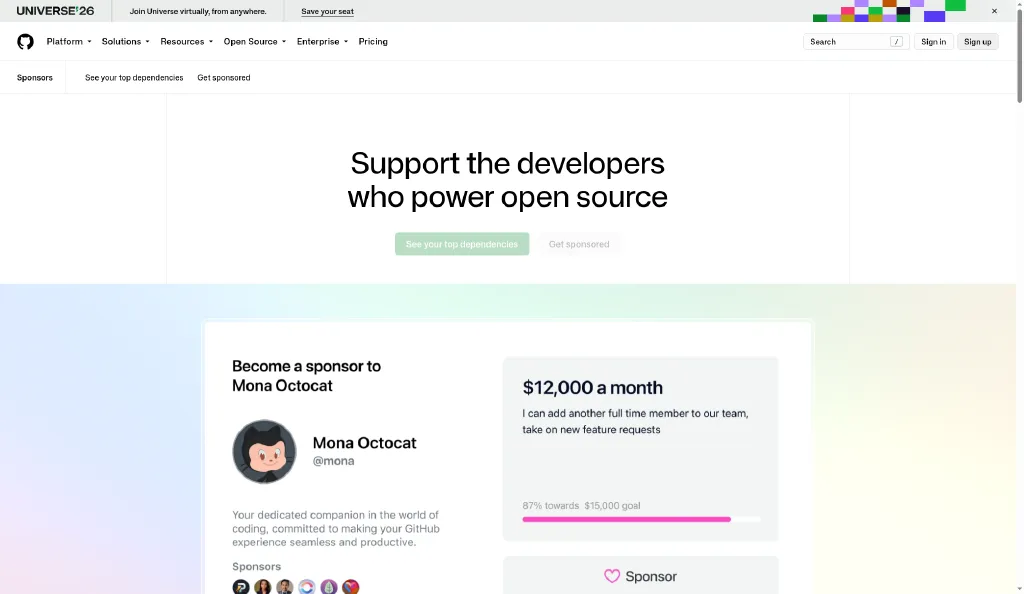
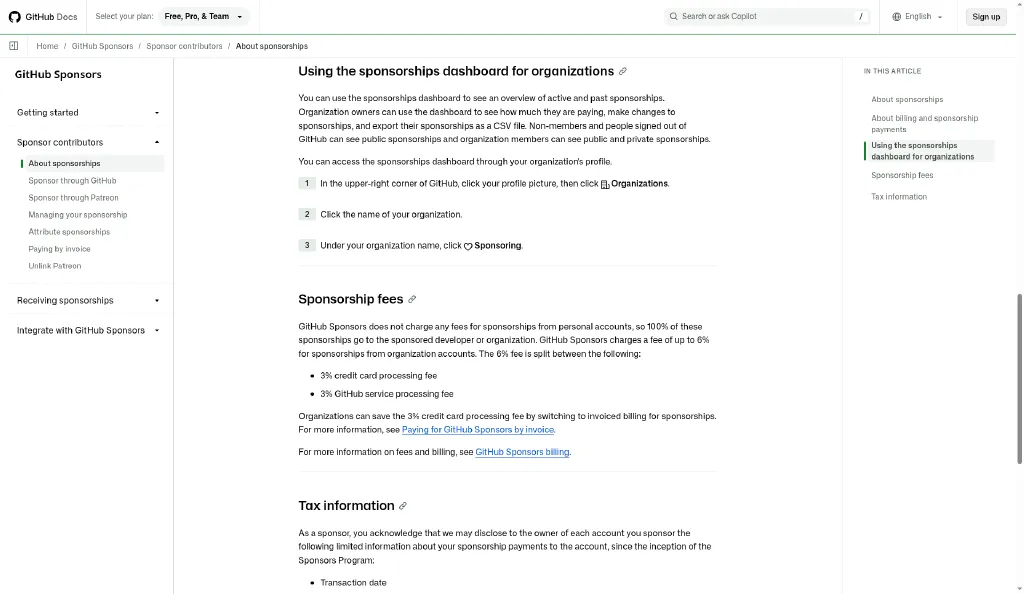
GitHub Sponsors lets individuals and companies send you money, monthly or one time, for open-source work you publish on GitHub. GitHub's official documentation says: "GitHub Sponsors does not charge any fees for sponsorships from personal accounts, so 100% of these sponsorships go to the sponsored developer" (GitHub Docs). Sponsorships from organization accounts can carry fees of up to 6% (same page).
Who it suits
- You already run a public repository that other people actually use (a library, plugin, dotfiles setup, dataset, etc.).
- You answer issues or ship updates regularly.
- It does not suit you if you have no public project yet. In that case, build one first and keep maintaining it.
What you actually need
- A free GitHub account.
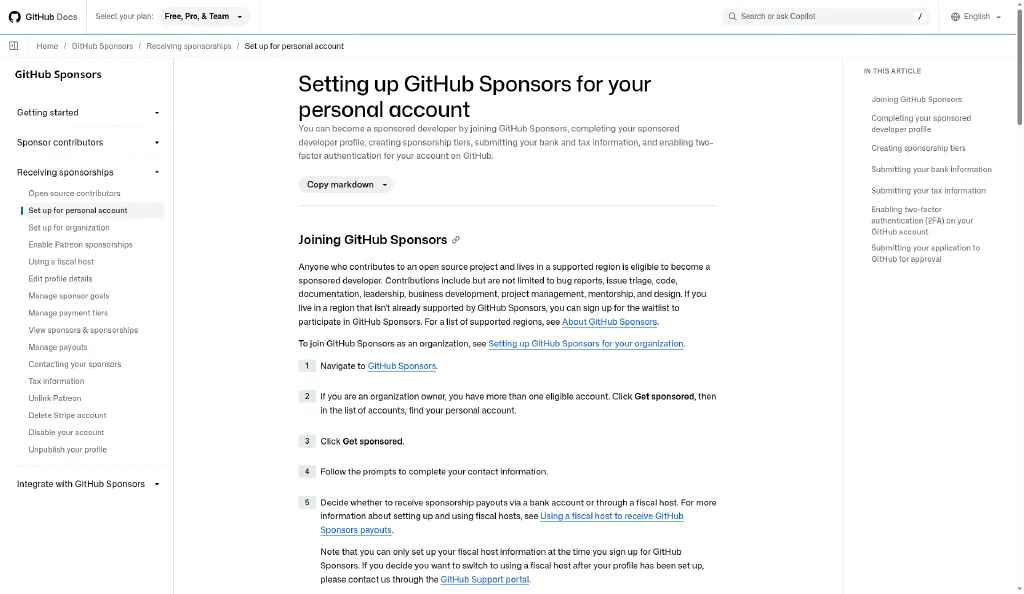
- A payout method and tax details usable in your country (supported regions are listed in GitHub's docs).
- Two-factor authentication on your account (GitHub requires it during setup).
First steps
- If you don't have an account, create a free one at https://github.com/signup.
- Before you start, read the official setup steps for personal accounts so you know in advance which tax and bank details you'll be asked for.
- Pick the one repository people depend on most. Your sponsor profile will point to that repository.
- Write one sentence on what sponsorship makes possible (example: "Sponsorship supports the time I spend fixing bugs reported by users").
*Results vary. Nothing here is a promise of income; the figures quoted are platform rules, not typical earnings.*
<!--PAYWALL-->
--- bamsuni · Questions or corrections: moneynova247@gmail.com